Description
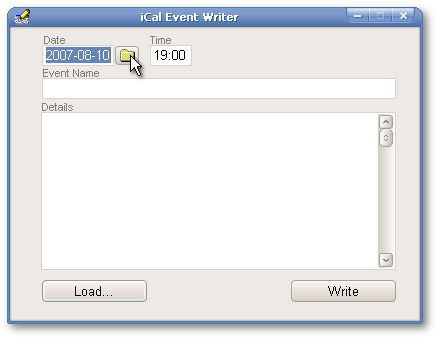
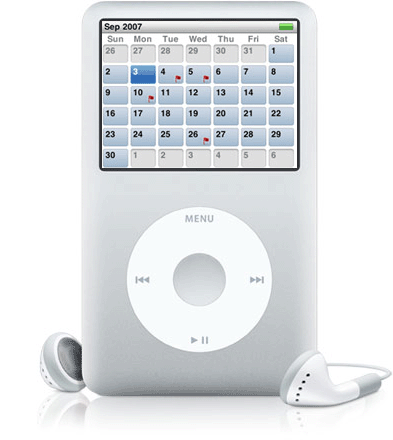
The iCal Event Writer is a simple application that writes iCal-formatted .ics files. Each .ics file represents an entry in the iPod Calendar Module. When the iCal Event Writer starts, the Date entryfield displays today's date. If the event to be scheduled is due at another date, the latter can be written in the entryfield or the user can click the Date pushbutton.
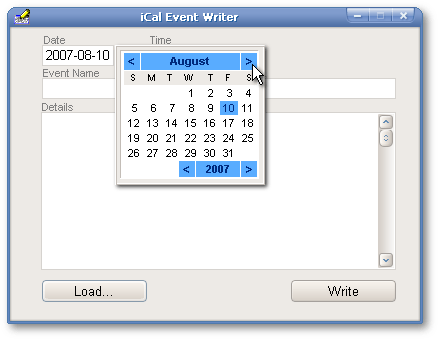
When the Date pushbutton is clicked, a calendar appears. The top left and top right blue buttons allows the user to navigate from month to month, while the bottom blue ones allows to skip to the previous or to the next year. Once a date is clicked in the calendar, the calendar disappears and that date is automatically selected in the Date entryfield.
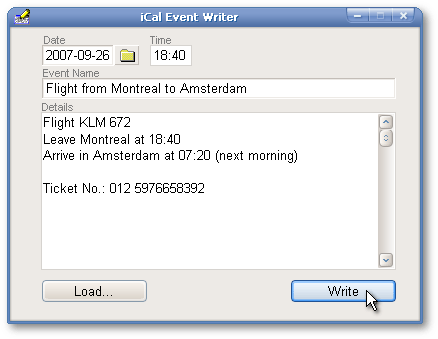
Then the time at which the event will start has to be set: an explicit name for that event and all the necessary details about it also have to be given. Finally, the user clicks the Write pushbutton.
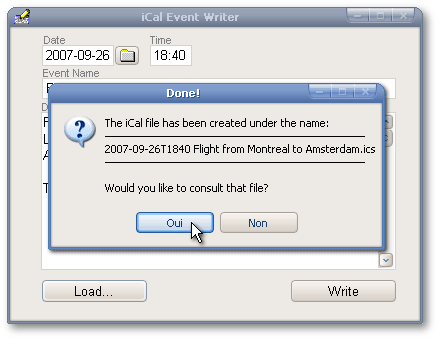
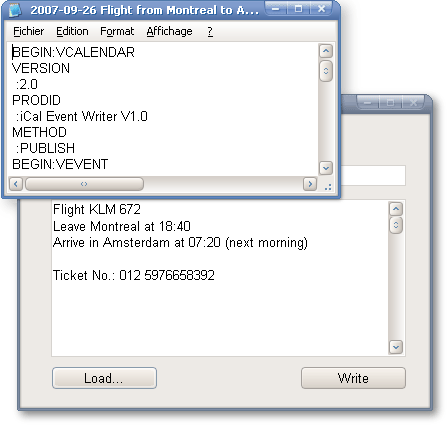
The following message box will appear as soon as the .ics file has been saved (note: it is saved in the application’s folder). The message box offers the possibility to consult the .ics file. If the user clicks on the Yes button…
…it will be loaded in Notepad. Otherwse, the user stays in the iCal Event Writer and can create all the .ics files that are needed. The user can also click the Load… pushbutton to load and to edit .ics files located in the current folder.
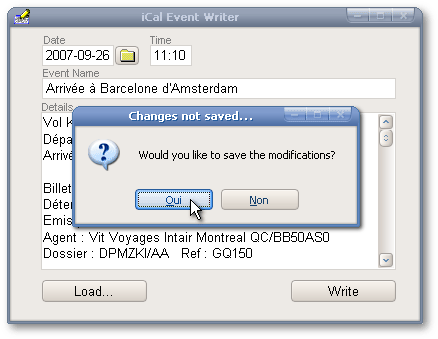
If the user tries to quit the application when an .ics file has been loaded, modified but not saved, a message box will offer the possibilities to save the changes.
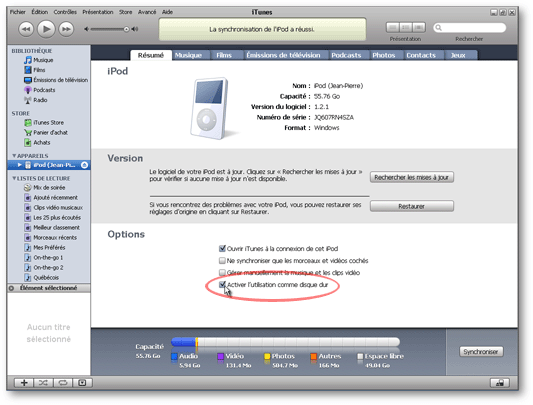
In order to transfer these events on the iPod, the latter has to be connected to a computer. If it hasn’t been done yet, iTunes should be loaded and the Enable disk use checkbox should be checked.
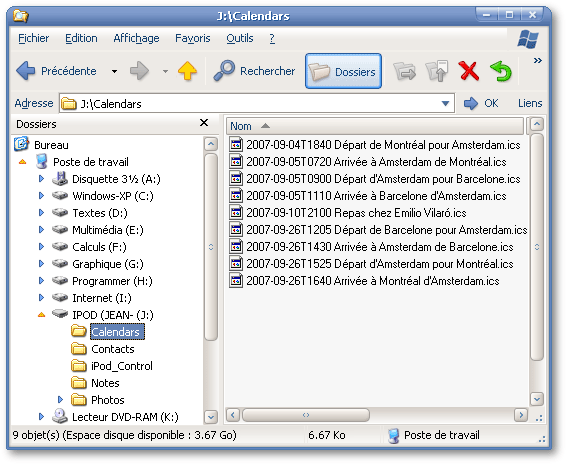
Then, under Windows Explorer, move the .ics files from the iCal Event Writer’s folder to the iPod’s Calendars folder.
Then the events will be flagged in the iPod Calendar module.
Installation
History
Nothing.